Miko/GUI
A downloadable asset pack for Windows and Linux
Description:
A complete set of assets for video game GUIs in Godot 4.
Includes:
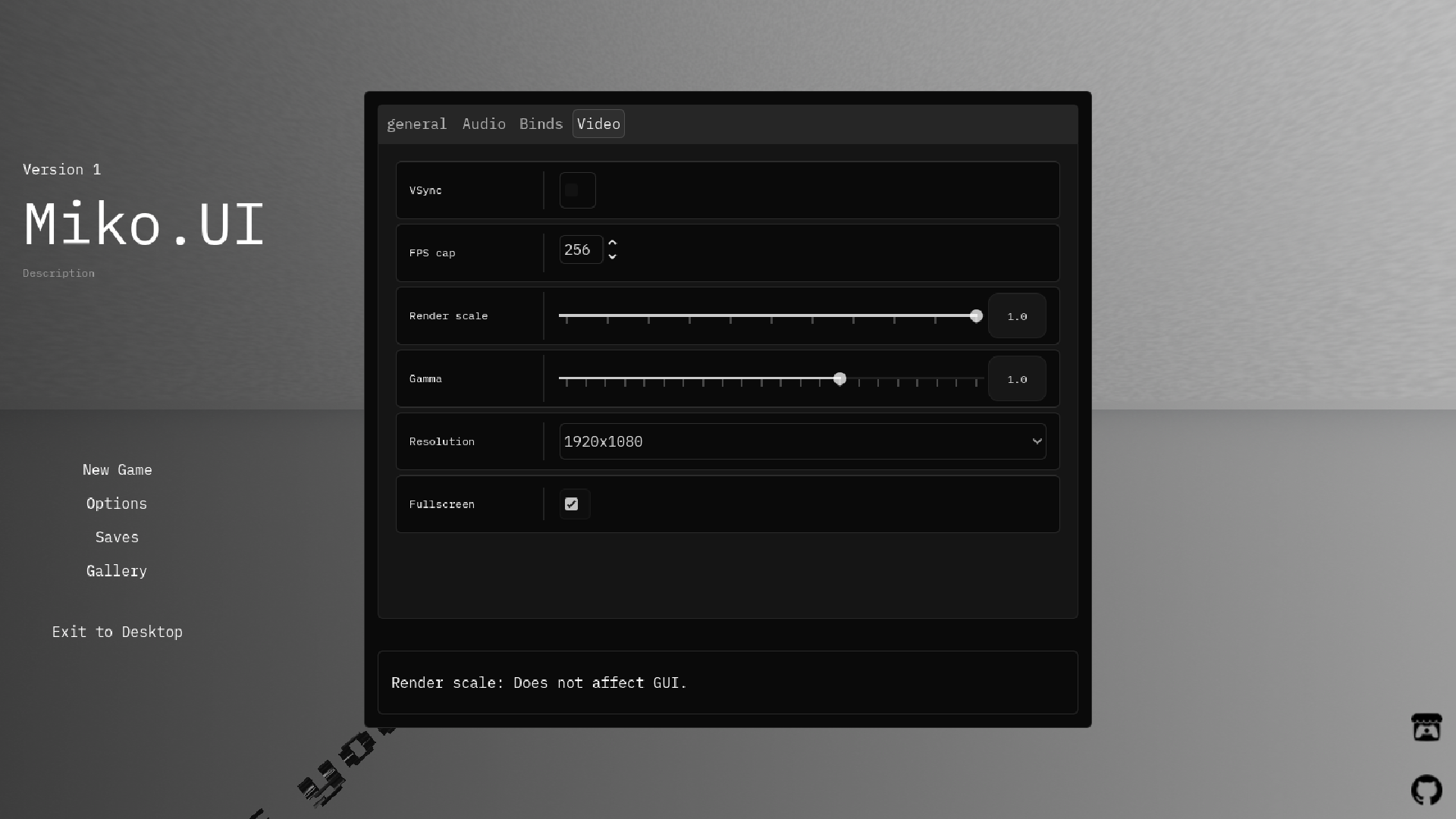
- Display settings
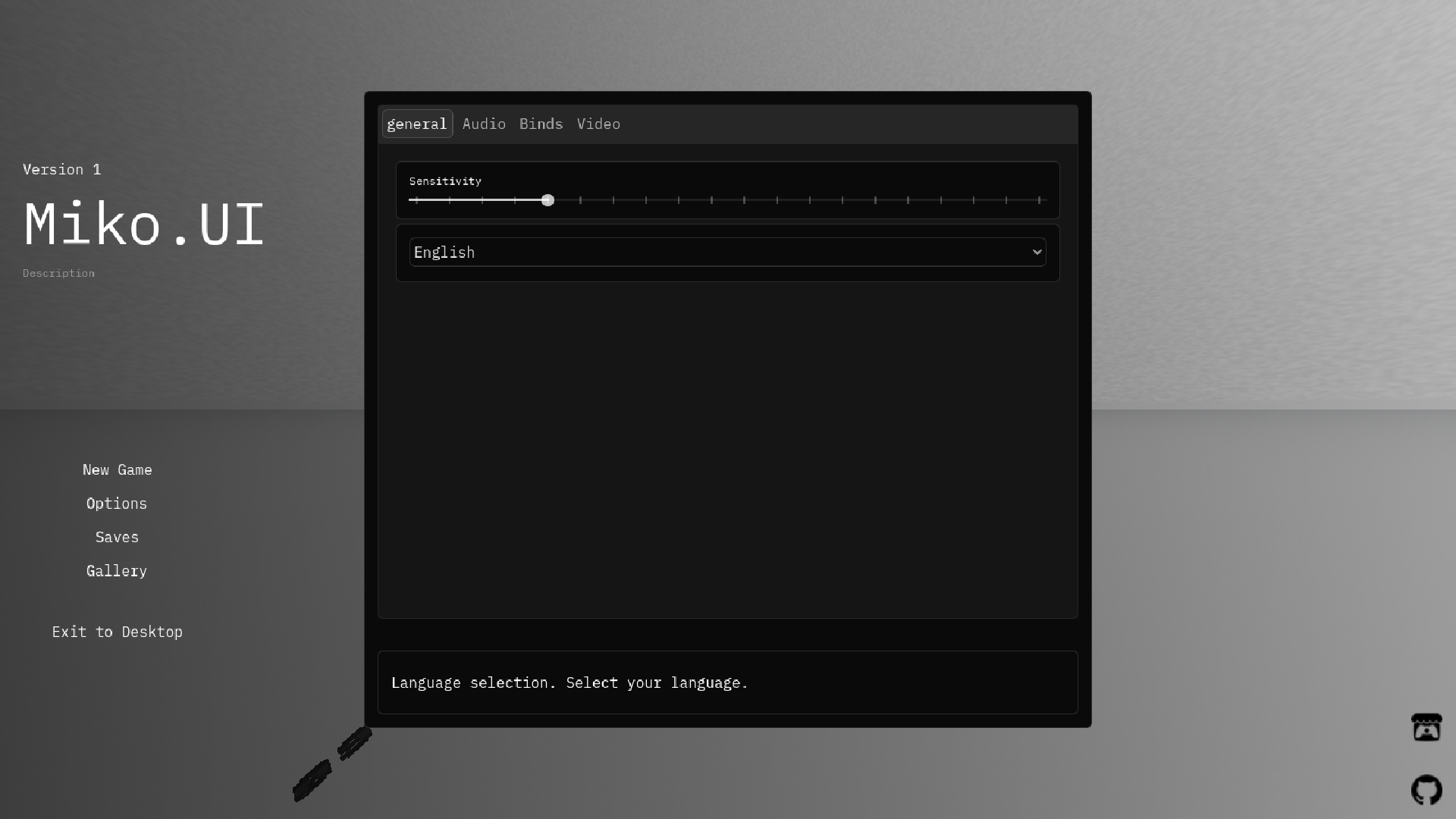
- Sensitivity settings
- Language settings
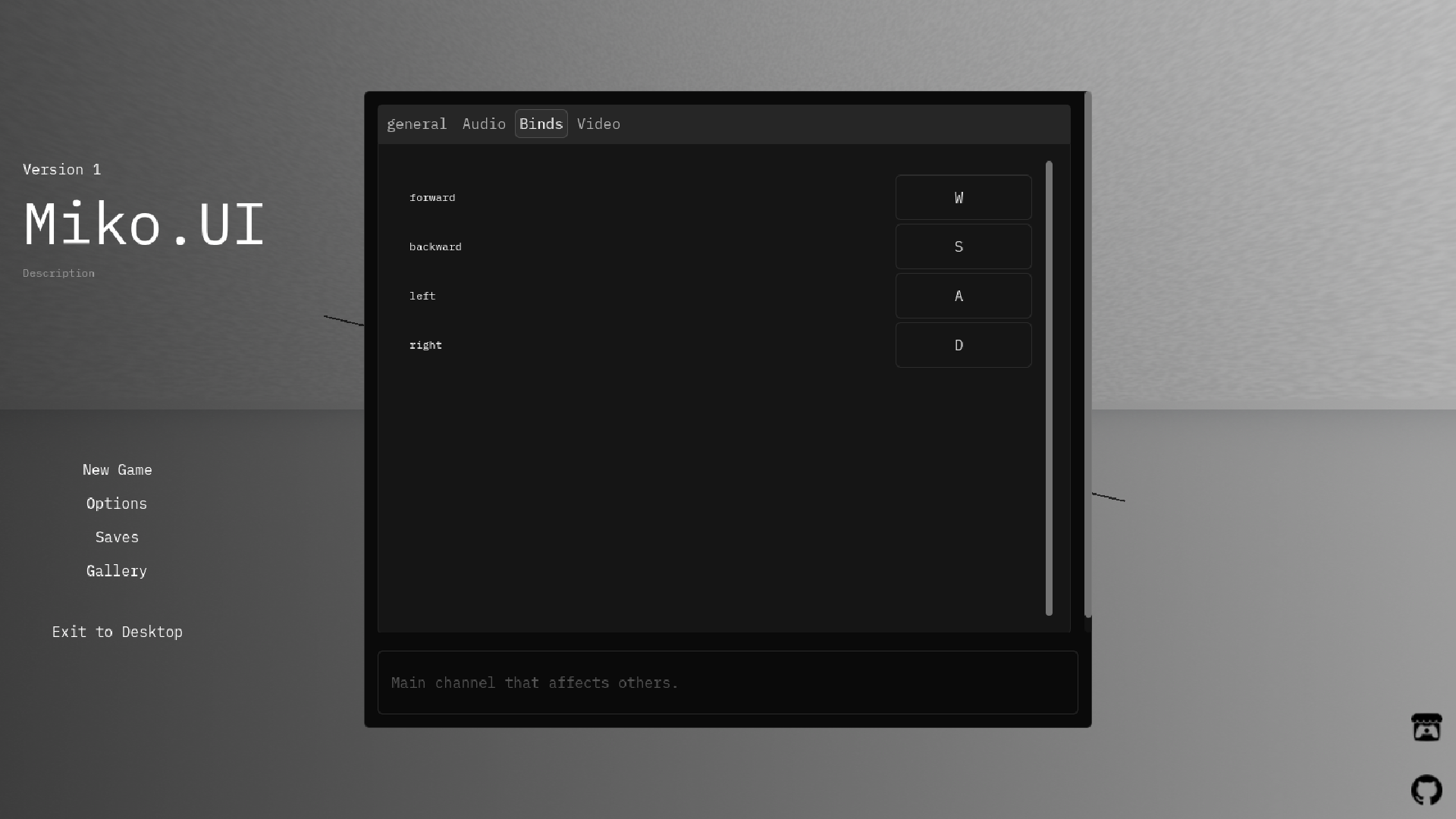
- Key bindings
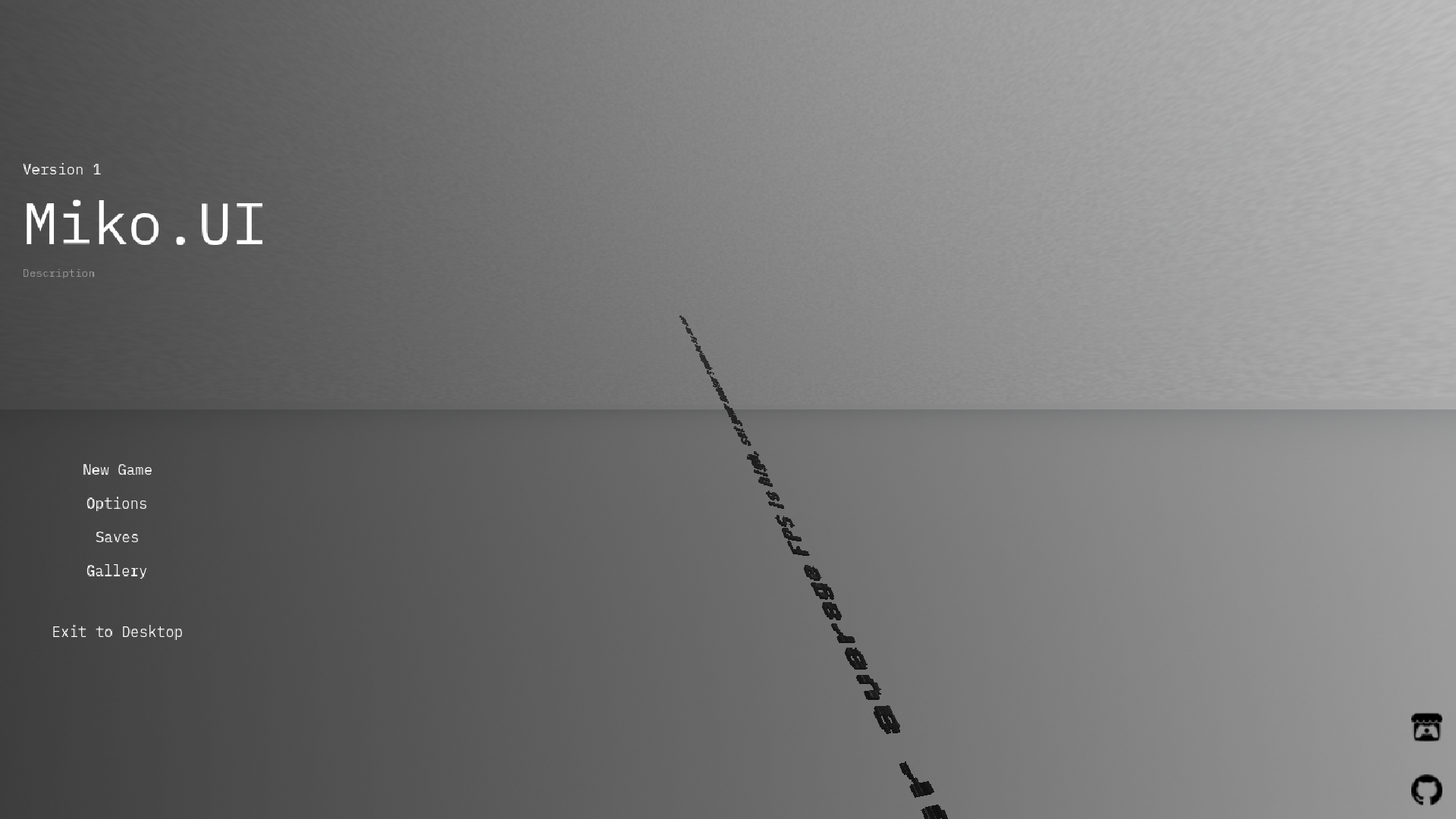
- Main menu component
- CarouselContainer component
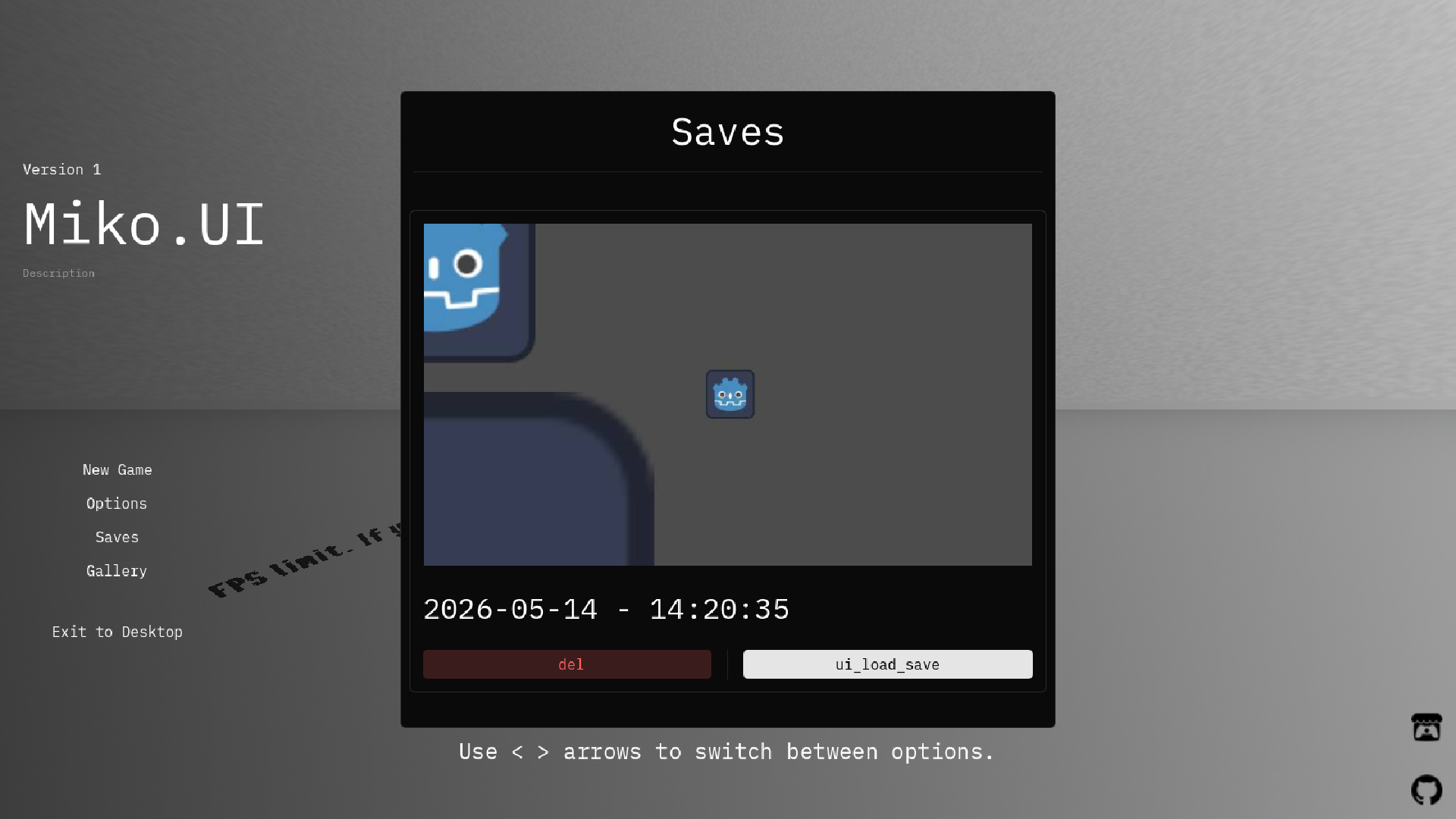
- Complete save system
- Save load menu with save cards that feature image previews and delete buttons
- Pause menu
- Toast messages
- Closed captions system
- Compatibility with 3d and 2d games
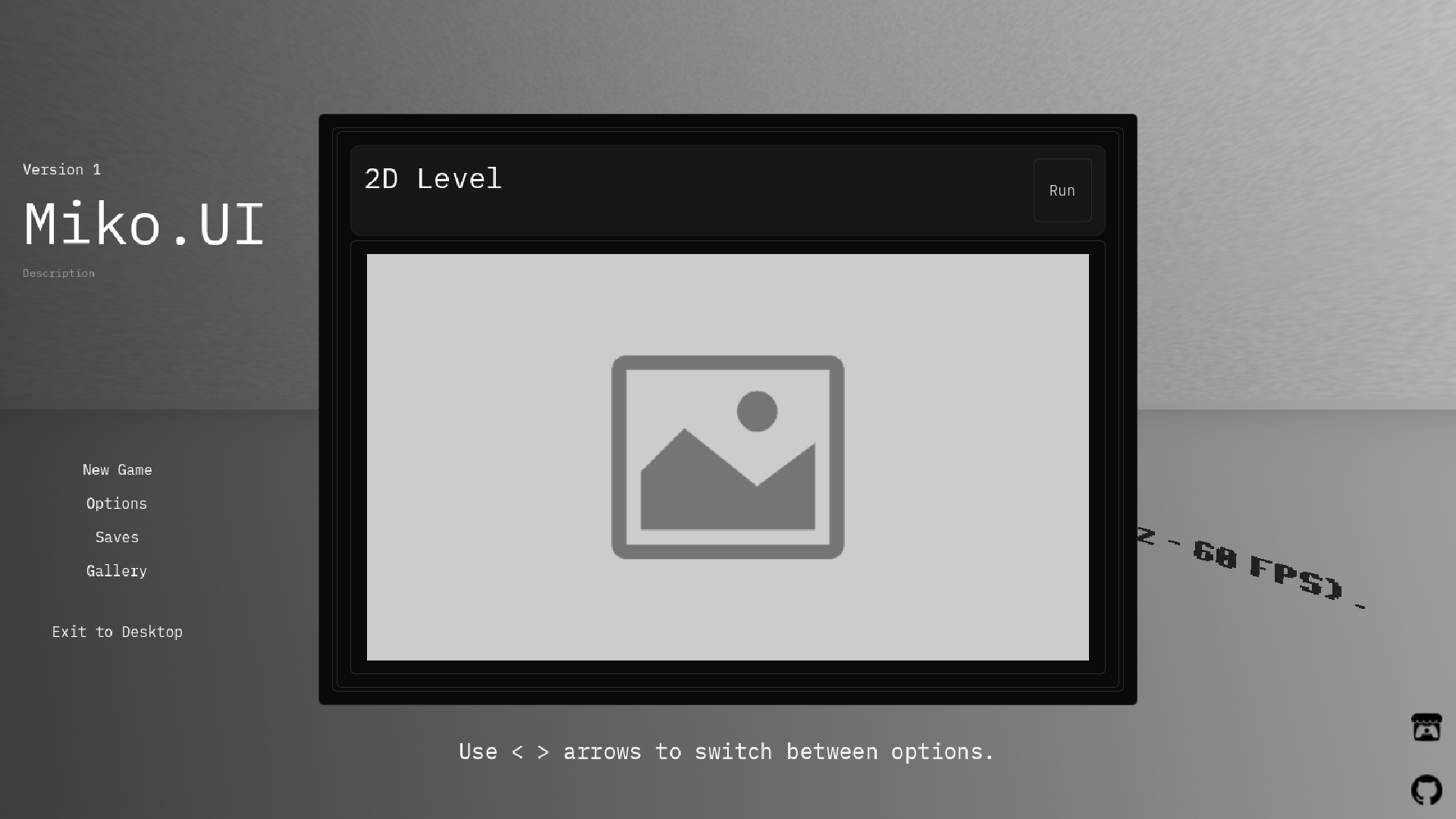
- Level selection menu
- Custom scene loading screen
- Screenshot browser
- Links component in main menu that fetches links and icons from third-party JSON by URL.
- Menu animations
- Modern design inspired by shadcn/ui and daisy ui
Documentation:
Setting up:
After downloading the asset and importing it in your project, you may be confused and unsure of what to do. Don't worry, here's the quick guide:
- Create your main menu in desired location.
- Add main menu component from res://base/ui/menus/main_menu.tscn to your main menu.
- Create file levels.txt in res:// and fill it with your levels, according to corresponding structure:
{ "name": "One", "path": "res://level1.tscn", "image": "res://levelimages/images.jpeg" }, { "name": "Two", "path": "res://level2.tscn", "image": "res://levelimages/images.jpeg" } ][
- About levels.txt: this is a list of enter levels for chapters/episode system. You can exclude other levels.
- Set res://base/ui/themes/modern/dark.tres in project settings as default theme or set your own.
- Set game's version, description and name in project settings in order to display it in main menu
- Set res://base/audiobus.tres as your project's audio bus layout
- Add list of your input actions in res://actions.txt like:
[ "forward", "backward", "left", "right" ]
- Create res://loading_background.txt and enter path to your image in there.
- To add complete pause menu with save label, simply add GameOverlay from res://base/ui/screens/game_hud.tscn to your player or level especially.
- Make sure your levels contains valid WorldEnvironment with enabled Adjustments options.
- Don't forget to set your project's name, version, description and icon in the project settings.
- (Optional) Add res://base/ui/elements/links.tscn to your main menu. You should enter your json's url in inspector field. You can use GitHub for storing that file.
- Your JSON should look like this:
[
  {
    "name": "Itch",
    "icon": "https://simpleicons.org/icons/itchdotio.svg",
    "link": "https://kyriww.itch.io/"
  },
  {
    "name": "GitHub",
    "icon": "https://simpleicons.org/icons/github.svg",
    "link": "https://github.com/kyriww/"
  }
]
- Note: make sure that you're entering raw github url, like "https://raw.githubusercontent.com/kyriww/misc/refs/heads/main/gamelinks.json".
- Make sure that your icons is in SVG format.
Adding pause menu:
Add res://base/ui/menus/pause_menu.tscn to your level.
Toast Messages:
Usage:
To show an alert, use:
Miko.alert("Text")
To show an info message, use:
Miko.info("Text")
Alternatively, you could use:
Miko.msg("info: text")
or
Miko.msg("alert: text")
Warning:
Make sure your scene contains MessageBox from res://base/ui/elements/messagebox.tscn.
Closed Captions:
Usage:
To show a closed caption, use:
Miko.show_caption("Text")
Note that captions require manual request. You can use BBCode for styling.
Warning:
Make sure that your scene contains CCBox from res://base/ui/elements/cc_box.tscn.
Note:
- To achieve proper save system working, especially applying updates to older saves, consider using child node instance instead of direct children placement. You can change child node instance's scene and the change will apply to old save.
- Don't forget to add miko.gd in autoload.
- Make sure you include *.txt in export.
Please leave feedback in the comments section.
Special thanks:
Download
Click download now to get access to the following files:
Development log
- release23 days ago

Leave a comment
Log in with itch.io to leave a comment.